
Navigation and project structure
Use the project tree, context menus, resizable panels and Project Home cards.
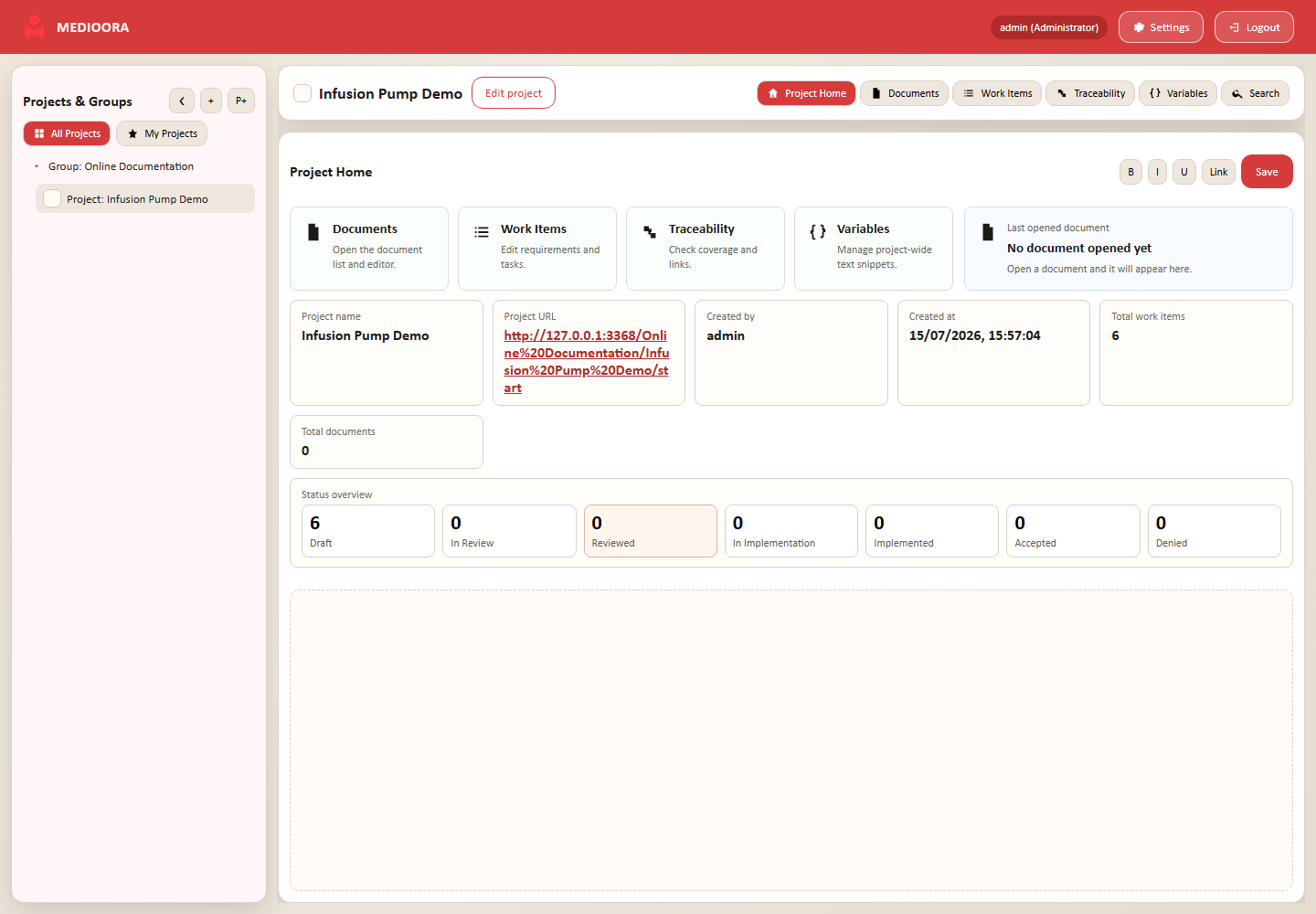
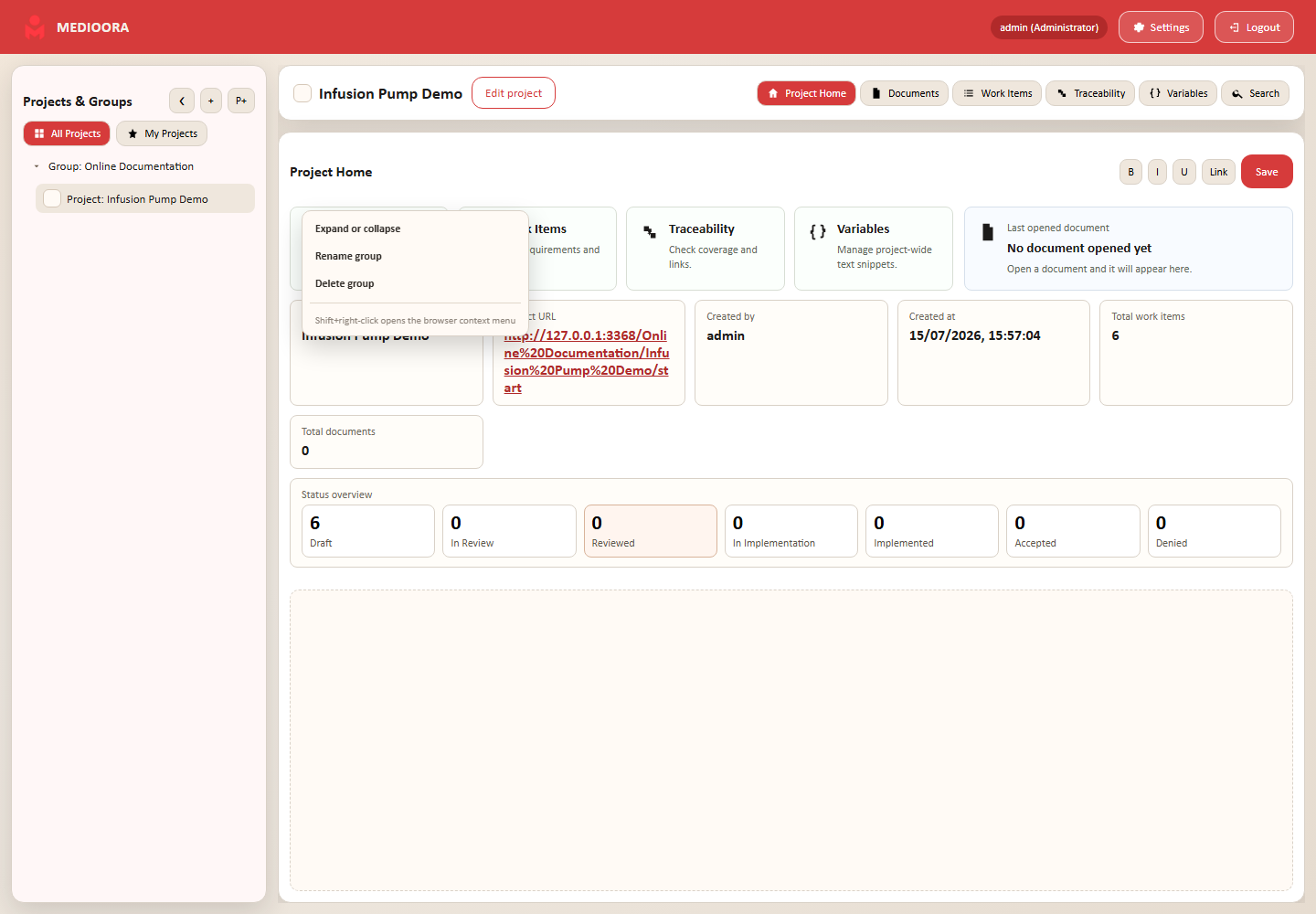
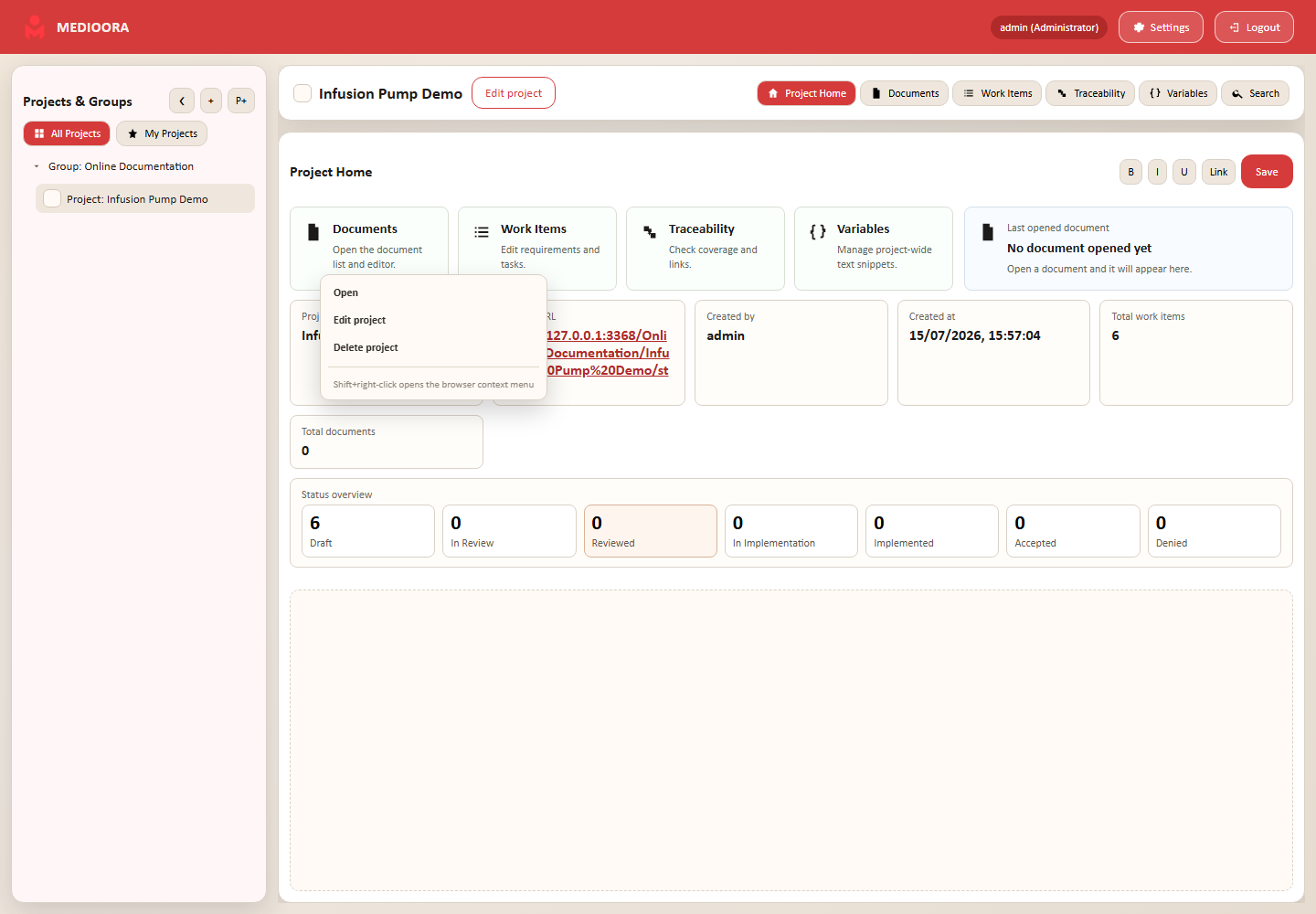
Project tree and context menus
Right-click a group to expand/collapse, rename or delete it. Right-click a project to open, edit or delete it. To move a project, open Edit project, choose another group and save; projects are not moved by drag and drop.
Resizable workspace
Drag the edges of the project, metadata and document sidebars to resize them. Review and comment sections can be resized vertically. Arrow buttons collapse or reopen the left and right panels; personal sizes are stored for the user.
Project Home
Cards open Documents, Work Items, Traceability and Variables. The page also shows the last opened document, document/work-item totals and status counts. Project administrators and project leaders can add formatted custom text for the team.