Chapter 022
CSV import, export and bulk edit
Exchange or update many work items with validation and clear skip reasons.
Import
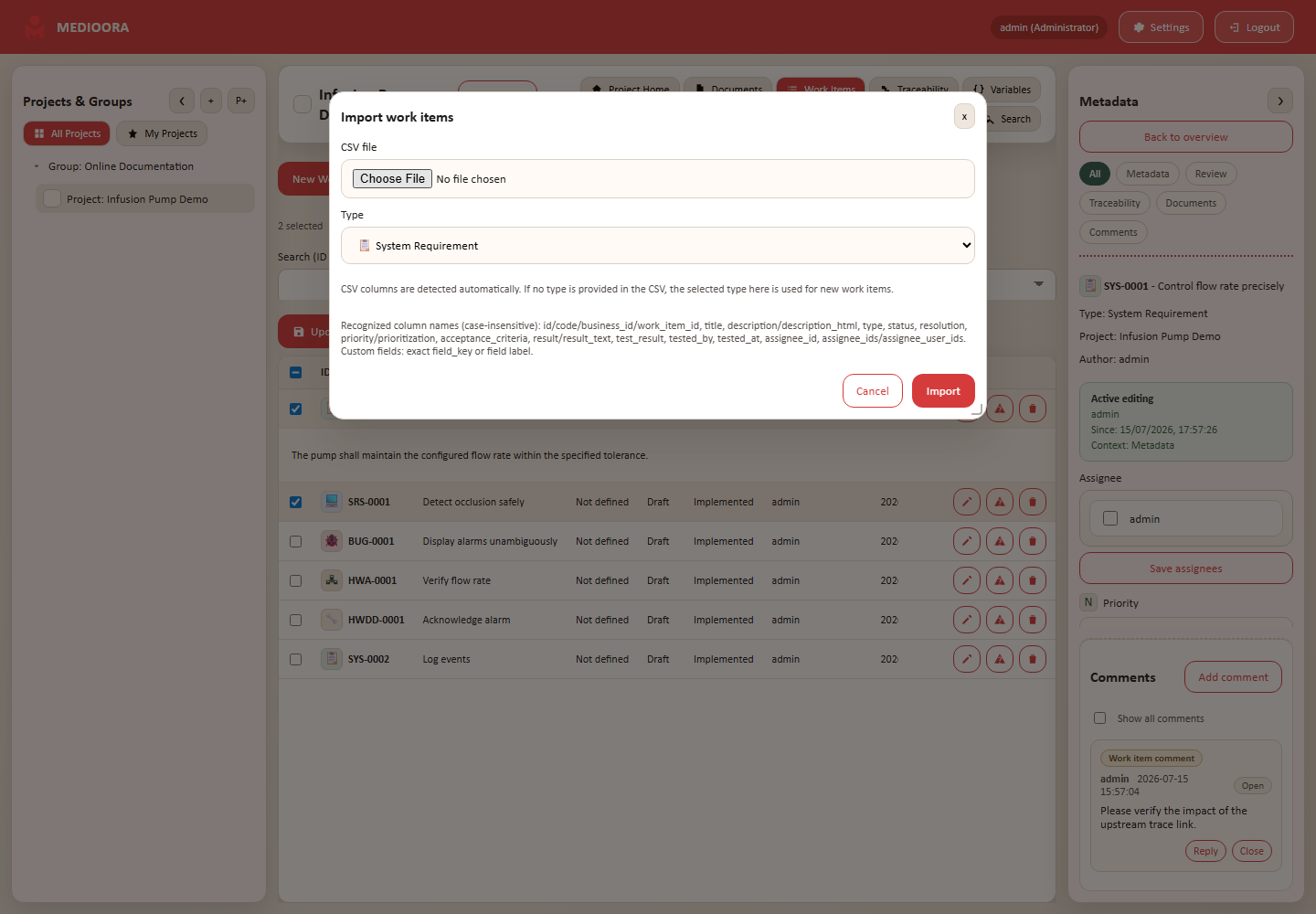
The importer recognizes code/ID, title, description, type, status, resolution, priority, criteria, result, rating, tester, time, assignees and custom fields. Choose a fallback type when the file has no type column.
Results
The summary separates created, updated and skipped rows. Final status, unknown types, invalid custom values and missing required fields are reported without silent overwrite.
Export and bulk
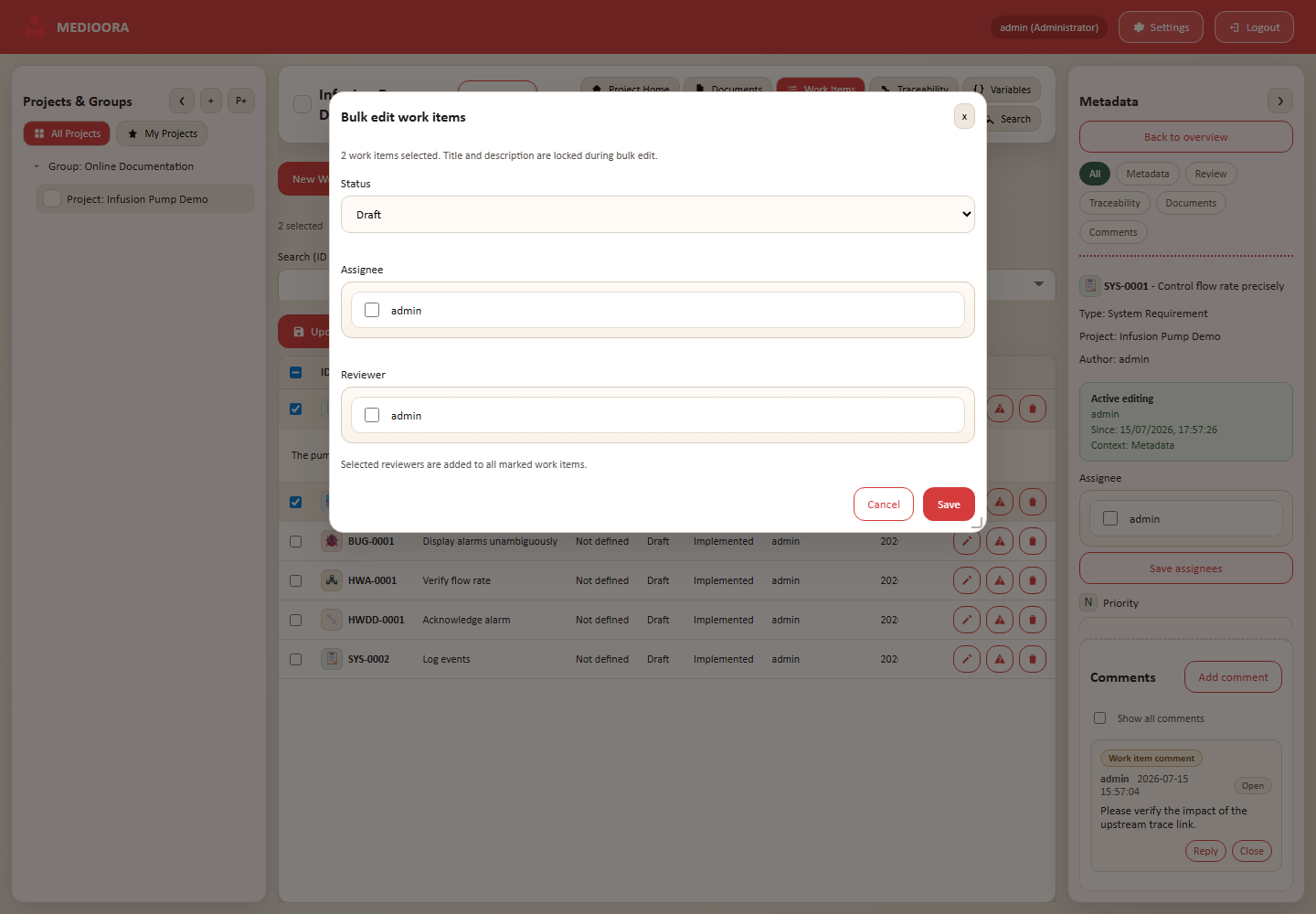
Select rows to export or bulk-edit status, assignees and reviewers. Final items remain protected.