
Chapter 024
Configure work-item types and fields
Maintain types, custom fields, status, resolution and priority visuals.
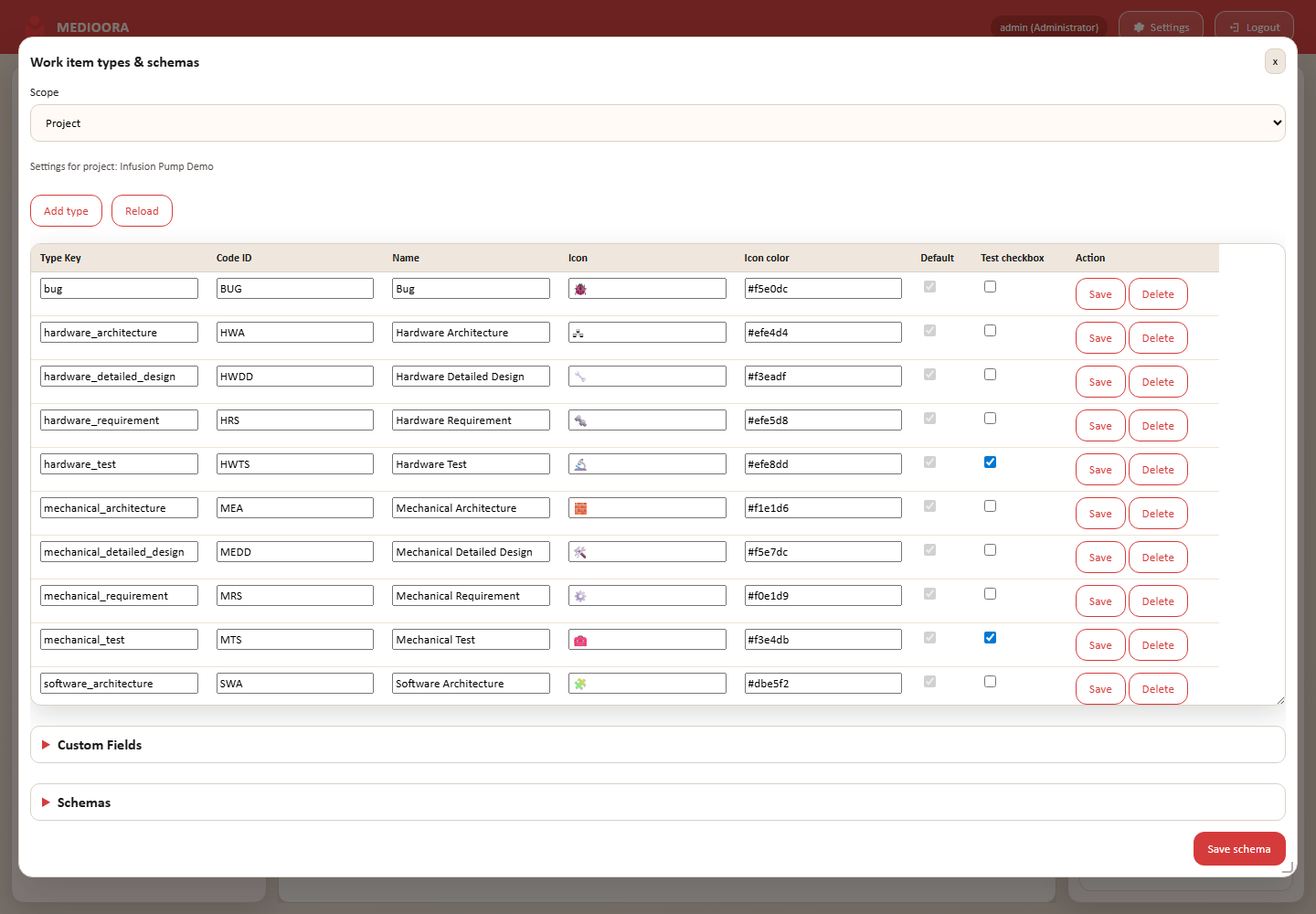
Types
Each type has a stable key, display name, prefix, icon/color and optional test capability. Avoid changing keys after productive use.
Schemas
Status and resolution define selectable values; priority visuals aid scanning. Accepted and Denied remain terminal lock states.
Custom fields
TEXT, NUMBER, DATE, ENUM, BOOLEAN and USER fields may be required and have defaults. Validate configuration in a test project.