
Chapter 009
Tables, images and Draw.io
Use context menus, practical table formatting, image resizing and editable diagrams.
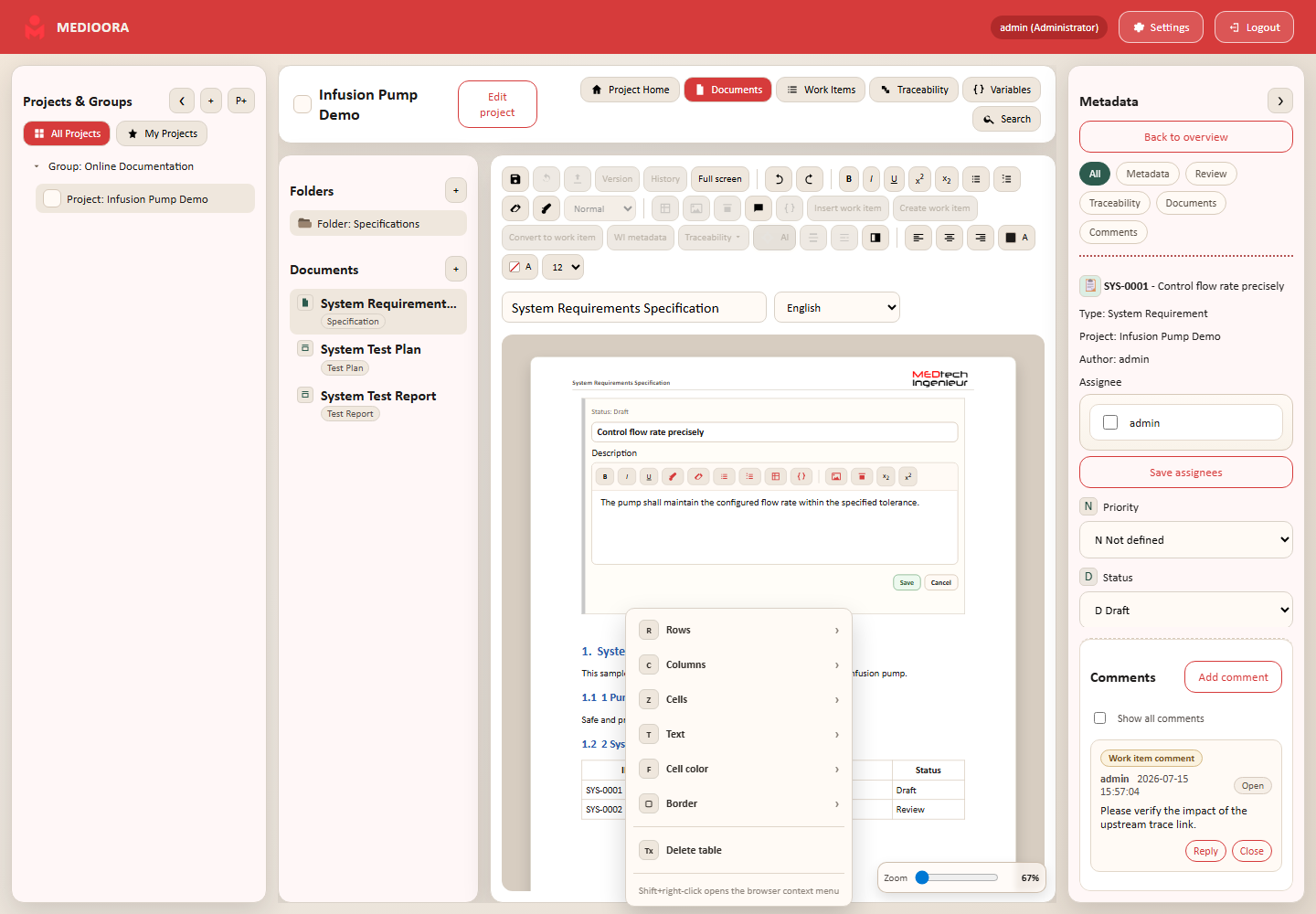
Tables
Right-click a cell to access row, column, cell, text, color and border submenus. Add/remove rows and columns, merge/split cells, toggle headers and drag column widths.
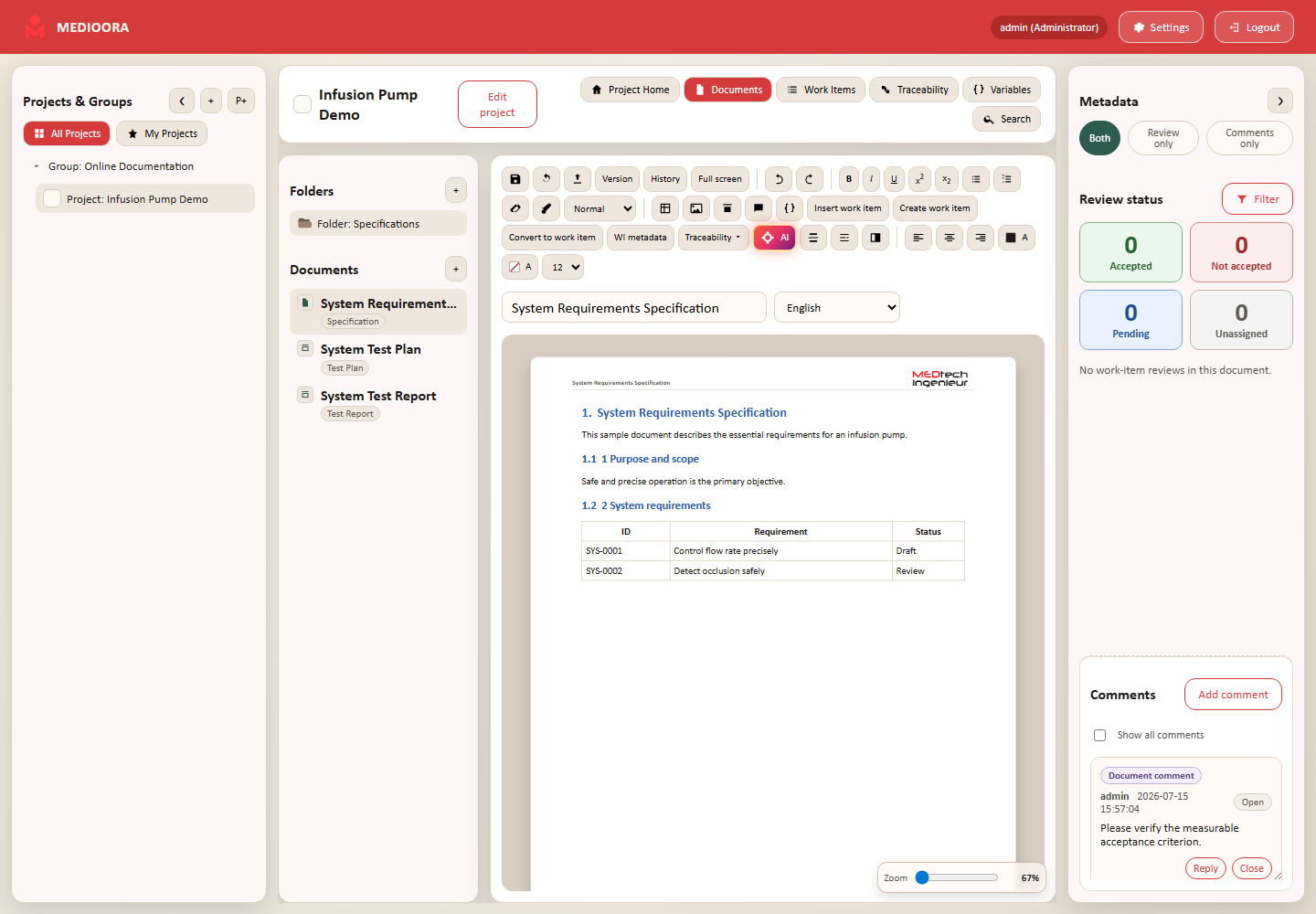
Images
Click an image to display corner handles and drag to resize. Right-click for the zoomable preview. Large source images increase storage and export time.
Draw.io
Draw.io stores preview and editable XML. Hover/click its edit control to reopen the diagram and save the replacement. Automatic figure numbering is not available in 1.0.0 and is planned.