
Chapter 007
Create folders and documents
Structure specifications, test plans and test reports.
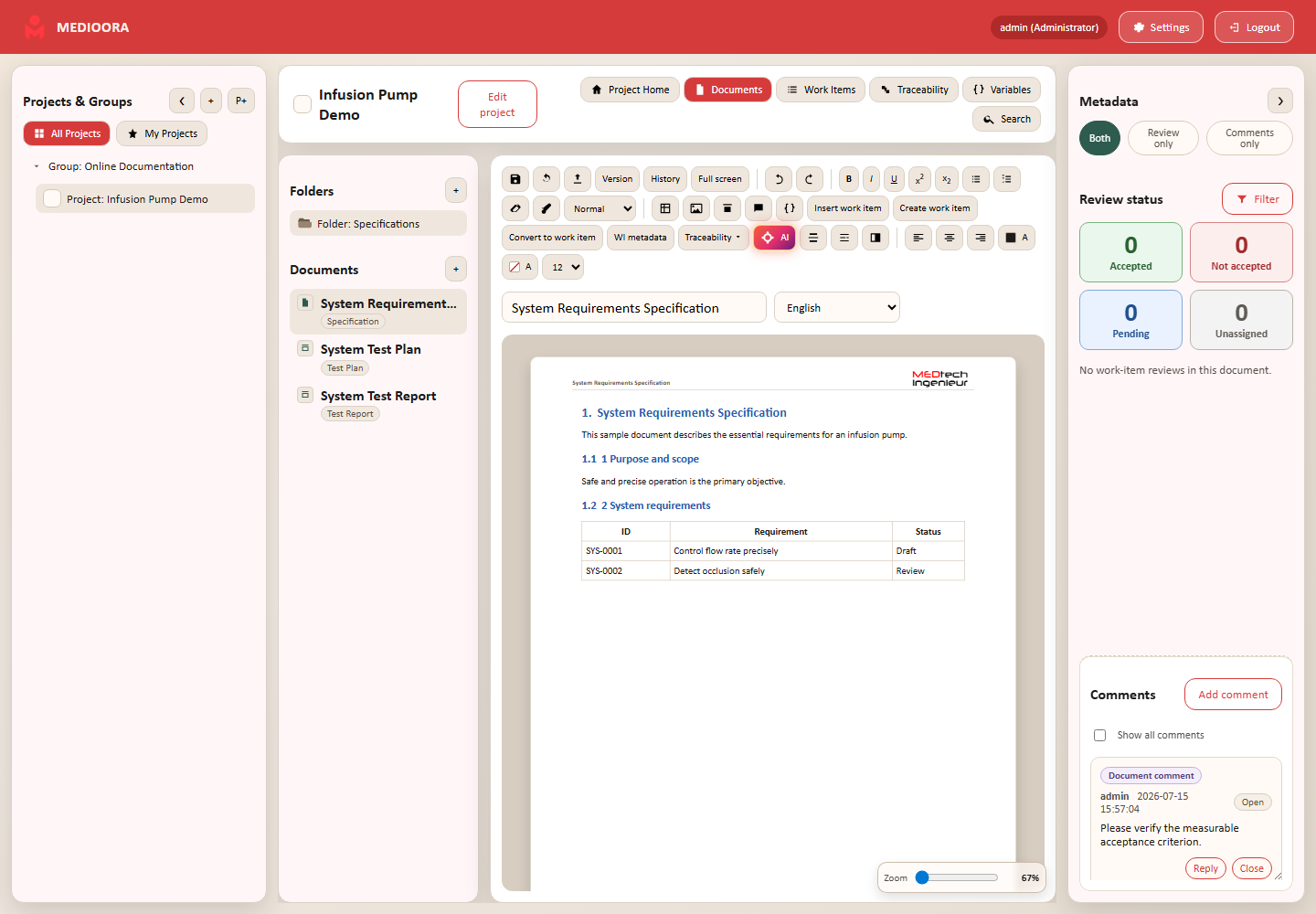
Folders
Create folders with the plus button. Right-click to open, rename or delete. Deleting a folder keeps its documents and moves them to the project root.
Documents
Choose target folder, document type, language and template. Test documents additionally select Plan or Report mode. The document context menu opens, duplicates, customizes branding, moves or removes a document.
Evidence
Before removal, check versions, exports and retention obligations. Duplicates are independent live documents and do not share one version history.